iOS & Android · Free to try

Smart cleanup
in one tap.

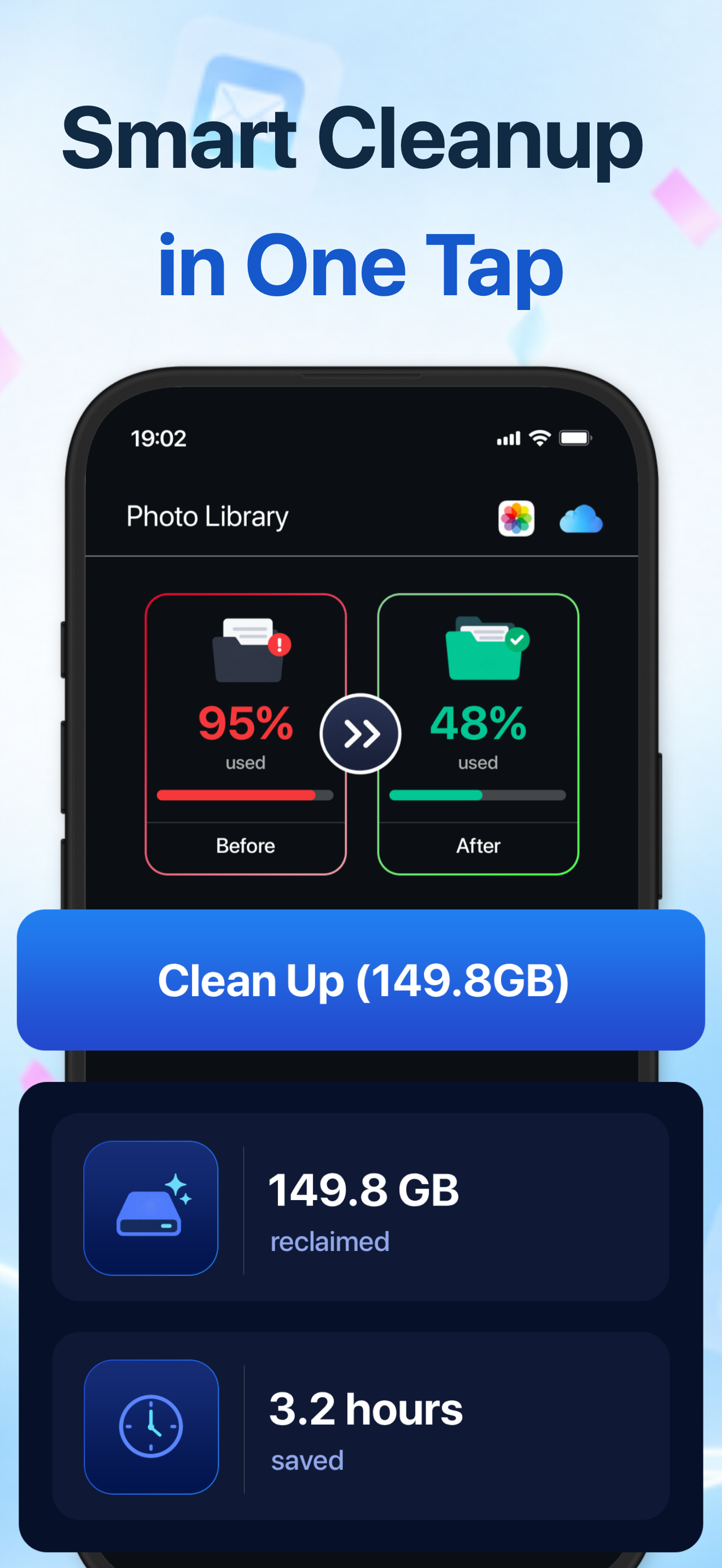
Storage Cleaner finds duplicate photos, oversized videos, cluttered contacts and promotional email — then clears them in bulk so your phone stops running out of space.

Storage Cleaner one-tap cleanup screen

Reclaim space in minutes

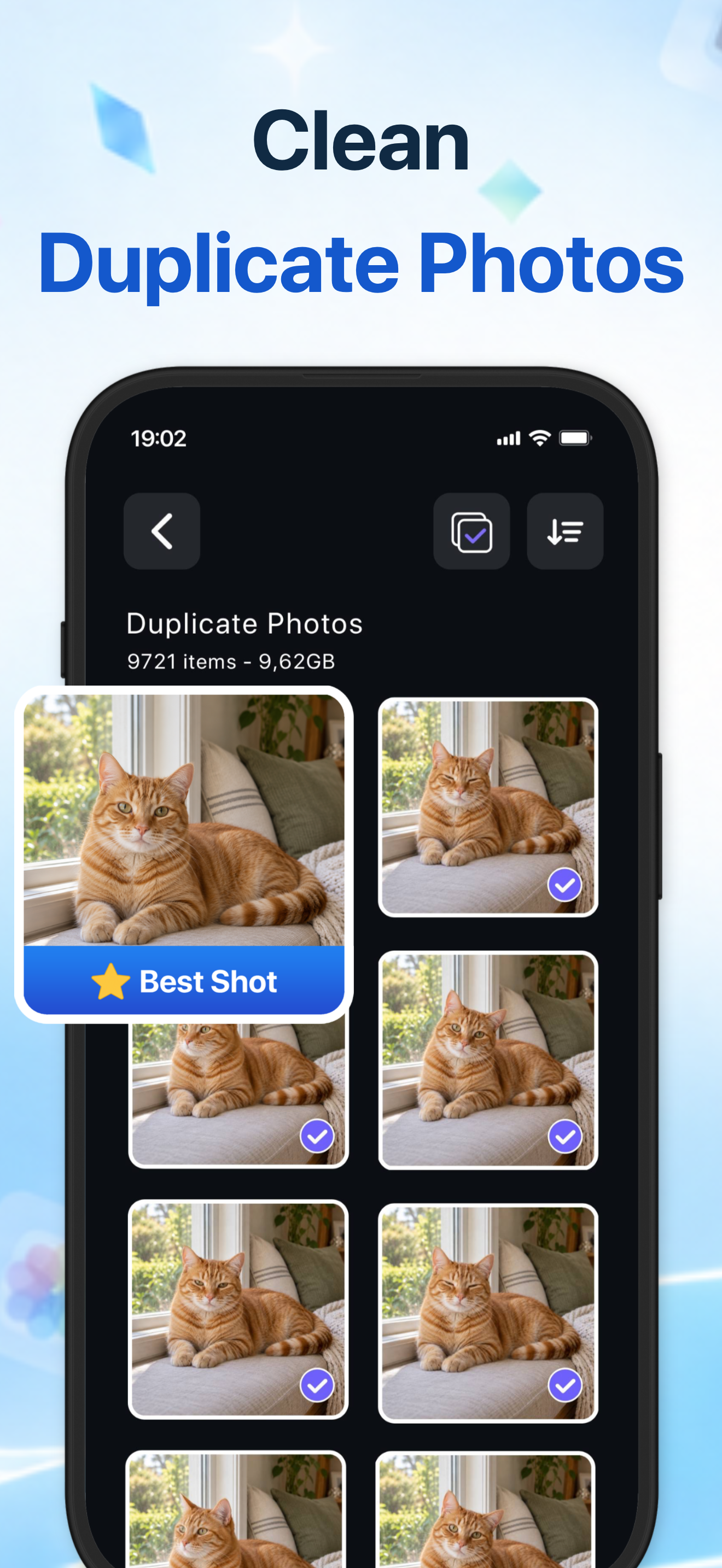
Group similar photos, review candidates in a grid, and keep the best shot — everything runs on your device.

Smart cleanup in one tap

One-tap cleanup

Duplicate photo grouping

Duplicate photos

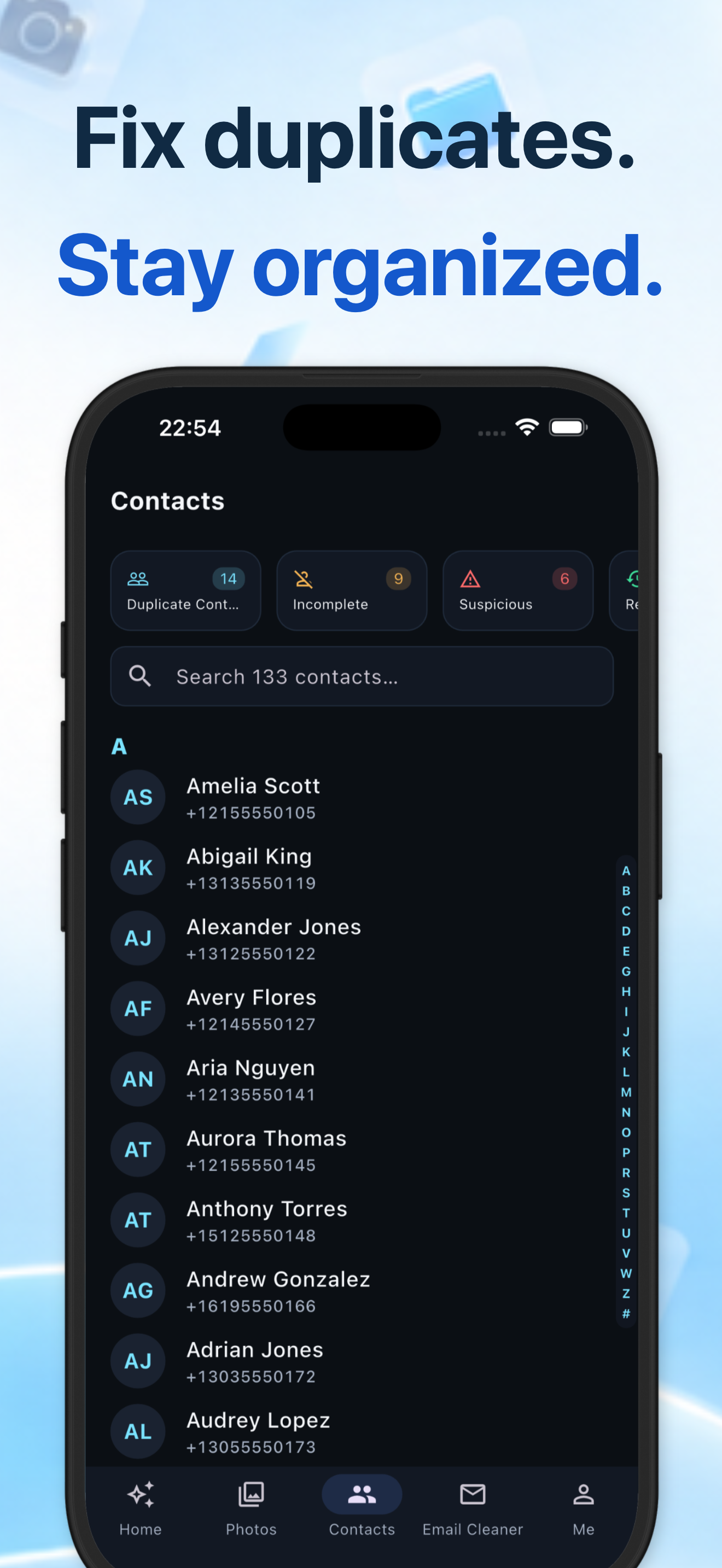
Fix duplicate contacts

Contacts & email

Everything you need to declutter

A focused set of tools that target the folders and inboxes taking up the most space on your phone.

◧

Duplicate photos

Group near-duplicate shots automatically, mark the best one, and delete the rest with a single tap.

▤

Large videos & screenshots

Find oversized videos and forgotten screenshots so you can decide what to keep in seconds.

◈

Swipe to sort

Swipe through your photo library like a card deck — keep or trash each shot with a flick.

◉

Contact cleanup

Merge duplicate contacts, flag entries that are missing names or numbers, and stay organized.

✉

Email cleaner

Bulk-clear promotional and newsletter mail in Gmail and Apple Mail without hunting one message at a time.

⟲

30-day Trash

Everything you delete stays in the in-app Trash for 30 days, so nothing gets lost by accident.

How Storage Cleaner uses your Google account

Connecting Google is optional and used only for the features you turn on.

Gmail (Email Cleaner)

When you sign in with Google to use the Email Cleaner, Storage Cleaner reads Gmail message metadata — sender, subject, date, size and labels — through the Gmail API. This information is used only on your device to:

  • Group mail into buckets such as promotions, social, large attachments and mail older than a year.
  • Show how much space each bucket takes up.
  • Move messages you choose to clean to your Gmail Trash.

We do not store message content on any server, do not train models on your mail, and do not share or sell your data.

Google Photos (optional)

If you connect Google Photos, Storage Cleaner requests read-only access purely to look for duplicates. It cannot modify or delete anything in your Google Photos library.

Revoking access

You can disconnect your Google account at any time from inside Storage Cleaner, or revoke access from your Google Account at myaccount.google.com/permissions.

Limited Use disclosure. Storage Cleaner's use and transfer of information received from Google APIs to any other app will adhere to the Google API Services User Data Policy, including the Limited Use requirements.